
TL;DR: SmugMug does not remove photo metadata. Every EXIF field your camera writes — GPS coordinates, shutter speed, lens model, serial numbers, timestamps — stays intact when you upload, and it stays intact when someone downloads your photo. SmugMug gives you a toggle to hide the EXIF display link on gallery pages, but hiding is not the same as deleting. The underlying file still carries everything. If you sell prints, share galleries with clients, or allow downloads, anyone who grabs that file gets your full metadata. The only reliable fix is stripping metadata before you upload.
Why SmugMug's Approach to Metadata Matters
SmugMug occupies a unique space in the photography ecosystem. Unlike social platforms such as Instagram or Facebook — which aggressively compress and strip metadata on upload — SmugMug is built for photographers who want to deliver full-resolution files. That design philosophy extends to metadata: SmugMug treats your EXIF data as part of the image, not as disposable baggage.
For many photographers, that is a feature. You want clients to see your camera settings. You want your IPTC copyright notice riding along with every delivered file. You might even want GPS data so your landscape portfolio can display a location map.
But for others, that same preservation creates a privacy gap. If you shoot on-location at a client's home, at a school, or in a sensitive environment, the GPS coordinates embedded in those files travel wherever the files travel. SmugMug will not intervene.
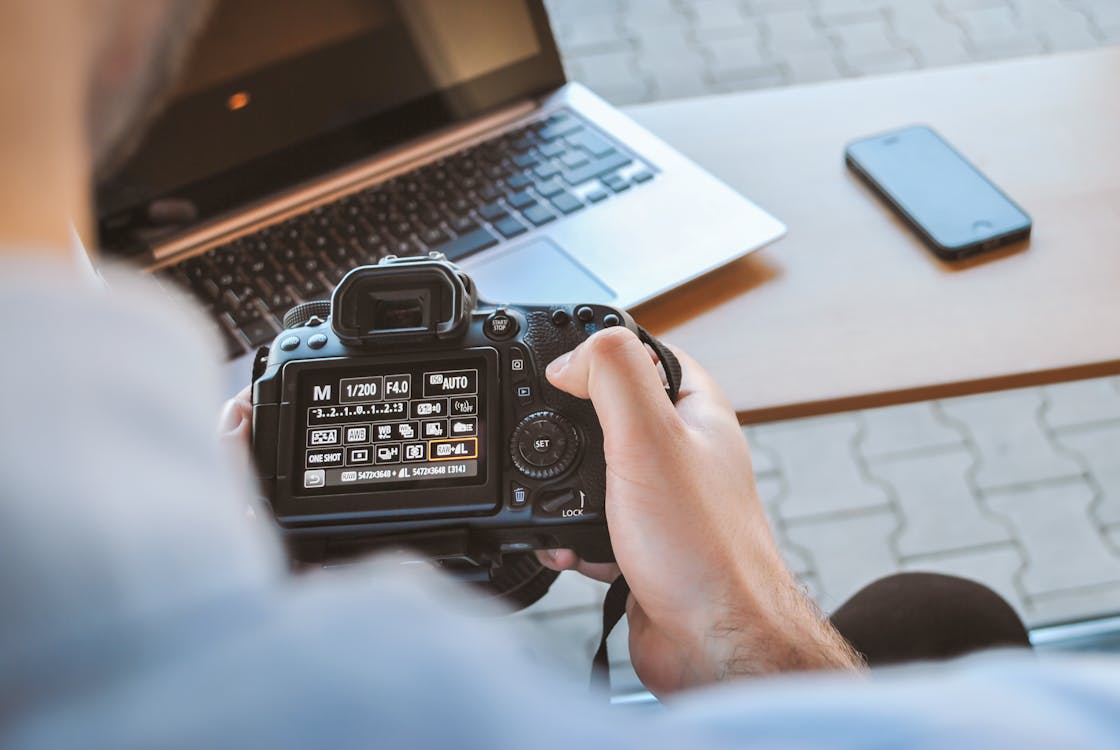 Photo by JESHOOTS.com on Pexels
Exactly What Metadata SmugMug Keeps
When you upload an image to SmugMug, the platform stores the original file with all embedded metadata intact. That includes three major metadata standards.
EXIF data covers the technical shooting information your camera writes at the moment of capture: aperture, shutter speed, ISO, focal length, white balance, metering mode, flash status, camera make and model, lens model, and — if location services were enabled — GPS latitude and longitude. Many cameras also embed a serial number.
IPTC data includes fields photographers often add in post-processing: copyright holder, creator name, caption, keywords, contact information, and usage rights. If you embed your business email or phone number in your IPTC contact fields, that data uploads to SmugMug along with the pixels.
XMP data covers editing history from tools like Adobe Lightroom and Photoshop. Develop settings, edit timestamps, and software version strings all ride along. If you use Lightroom's people-tagging feature, face-recognition data can end up in XMP as well.
SmugMug preserves all of it. When a visitor downloads a photo from your gallery — whether they are a paying client grabbing a print-resolution file or a casual browser right-clicking on a web-size image — the downloaded file contains every metadata field that was present in the original upload.
The EXIF Display Toggle Is Not Metadata Removal
SmugMug offers one privacy-adjacent control: you can hide the EXIF display link on your gallery pages. This setting lives in the Appearance section of your Gallery Settings. When you toggle it off, the small "Photo Info" or EXIF link disappears from individual photo pages, so casual visitors cannot click through to see your camera settings.
It is important to understand what this toggle does and does not do. It hides a UI element on your SmugMug gallery. It does not touch the actual file. If someone downloads the image, the full EXIF payload is still embedded in the file. If someone uses an EXIF viewer on the downloaded file, every field is still there.
Think of it like putting a privacy screen on your laptop. People standing behind you cannot see your display, but your data is still on the machine. SmugMug's EXIF toggle works the same way — it is a visibility control, not a data-deletion tool.
SmugMug's Location Mapping Feature
SmugMug takes GPS metadata a step further than most platforms. If your photos contain embedded GPS coordinates, SmugMug automatically reads that location data and makes your gallery "mappable." Visitors can see a map view showing exactly where each photo was taken.
For travel and landscape photographers, this can be a compelling portfolio feature. For wedding photographers who shot at a client's private residence, or portrait photographers who worked at someone's home, it is a privacy liability.
The mapping feature can be disabled in your gallery settings, but again, this only controls what SmugMug displays on the page. The GPS coordinates remain embedded in the original file. Anyone who downloads the image can extract those coordinates and drop them into Google Maps to find the exact shooting location.
We have covered how GPS coordinates get embedded in photos in detail, but the short version is: if your phone or camera has location services enabled, every photo you take gets stamped with latitude and longitude accurate to within a few meters.
 Photo by Wolfgang Weiser on Pexels
How SmugMug Compares to Other Platforms
SmugMug's metadata-preservation approach stands in sharp contrast to how social media platforms handle uploads. Here is how the landscape breaks down.
Platforms that strip most or all metadata on upload: Instagram removes EXIF data during its compression pipeline, as we explored in our post on Instagram and EXIF data. Facebook similarly strips metadata from uploaded photos, though it retains some data internally. Twitter/X, Threads, and most social networks follow the same pattern — they compress your image and discard embedded metadata in the process.
Platforms that preserve metadata like SmugMug: Flickr is the closest parallel. As we covered in our Flickr metadata guide, Flickr preserves EXIF data and even displays it publicly by default. The photography portfolio platforms — Squarespace, Wix, Adobe Portfolio, 500px, and Behance — each handle metadata differently, but most preserve at least some of it.
SmugMug lands firmly in the "preserve everything" camp. It is a deliberate design choice that serves professional photographers who need to deliver full-quality files with intact copyright notices. The tradeoff is that privacy-sensitive metadata also comes along for the ride.
When Preserved Metadata Becomes a Problem
There are several real-world scenarios where SmugMug's metadata preservation creates risk.
Client delivery with GPS data. You shoot a family portrait session at the client's home. You upload the images to a SmugMug gallery and share the link. The client downloads their favorites, posts one to Facebook (which strips metadata), but also emails the original file to a relative. That emailed file still contains GPS coordinates pointing to the client's home address.
Event photography at sensitive locations. You photograph a corporate event at a facility that prefers not to be publicly geolocated. Every image you upload to SmugMug carries the facility's coordinates, and anyone with download access can extract them.
Portfolio images revealing personal patterns. Over time, a public SmugMug portfolio with GPS-tagged images creates a map of where you work and travel. As we covered in our piece on how journalists use photo metadata to track people, embedded location data across multiple images can reveal patterns that individual photos cannot.
Camera serial number exposure. Your camera's serial number, embedded in EXIF, is a unique identifier. If you sell a camera and the new owner uses it in problematic ways, images could theoretically be traced back to your SmugMug portfolio through that shared serial number.
How to Protect Your Metadata Before Uploading to SmugMug
Since SmugMug will not strip metadata for you, the solution is to clean your files before they ever reach SmugMug's servers. Here is a practical workflow.
Step 1: Finish your edits first. Complete all retouching, color grading, and cropping in your editing software. Metadata removal should be the last step before upload.
Step 2: Strip metadata from your export files. Use MetaData Cleaner to remove EXIF, IPTC, XMP, and GPS data from your finished images. You can process entire galleries at once using batch metadata removal, which is essential when you are uploading dozens or hundreds of images to a SmugMug gallery.
Step 3: Selectively preserve copyright data. If you want your copyright notice to travel with the file but nothing else, re-embed only the IPTC copyright field after stripping everything. Some photographers prefer this hybrid approach — it protects their intellectual property claim while removing privacy-sensitive fields like GPS and camera serial numbers. We covered this strategy in detail in our photographer copyright metadata guide.
Step 4: Upload cleaned files to SmugMug. With metadata stripped, the files on SmugMug's servers contain only the data you chose to keep. Downloads, prints, and gallery views are all clean.
Step 5: Disable the EXIF display toggle anyway. Even after stripping metadata, toggle off the EXIF display in Gallery Settings. If you missed a file or if SmugMug adds any display-layer metadata, the toggle provides a second line of defense.
A Note on SmugMug Videos
SmugMug handles video metadata differently from photos, and not in the way you might expect. When you upload a video, SmugMug transcodes it into its own streaming format. The original video file is not preserved. If you later download that video from SmugMug, the downloaded file will be the transcoded version, and the original metadata will be gone.
This means SmugMug effectively strips video metadata as a side effect of transcoding — but it is not a reliable privacy tool because you have no control over what gets removed and what might survive the transcode process. If you work with video and need consistent metadata removal, our videographer metadata removal guide covers the proper approach.
The Bottom Line for SmugMug Users
SmugMug is a powerful platform for photographers who want to showcase and deliver professional-quality work. Its decision to preserve metadata is rooted in a legitimate need: photographers want their technical data, copyright notices, and file integrity maintained.
But preservation without an easy removal option puts the privacy burden squarely on you. SmugMug will not strip your GPS coordinates, your camera serial number, or your editing history. The EXIF display toggle only hides metadata from gallery visitors — it does nothing to the actual file.
If you use SmugMug for client galleries, portfolio display, or print sales, make metadata cleaning part of your upload workflow. Strip sensitive fields before your images ever reach SmugMug's servers. Your clients' home addresses, your shooting locations, and your personal data patterns deserve that layer of protection.
For a deeper dive into building a metadata-aware workflow as a professional photographer, check out our guides on removing metadata before delivering photos to clients and stripping EXIF data from photos on any device.