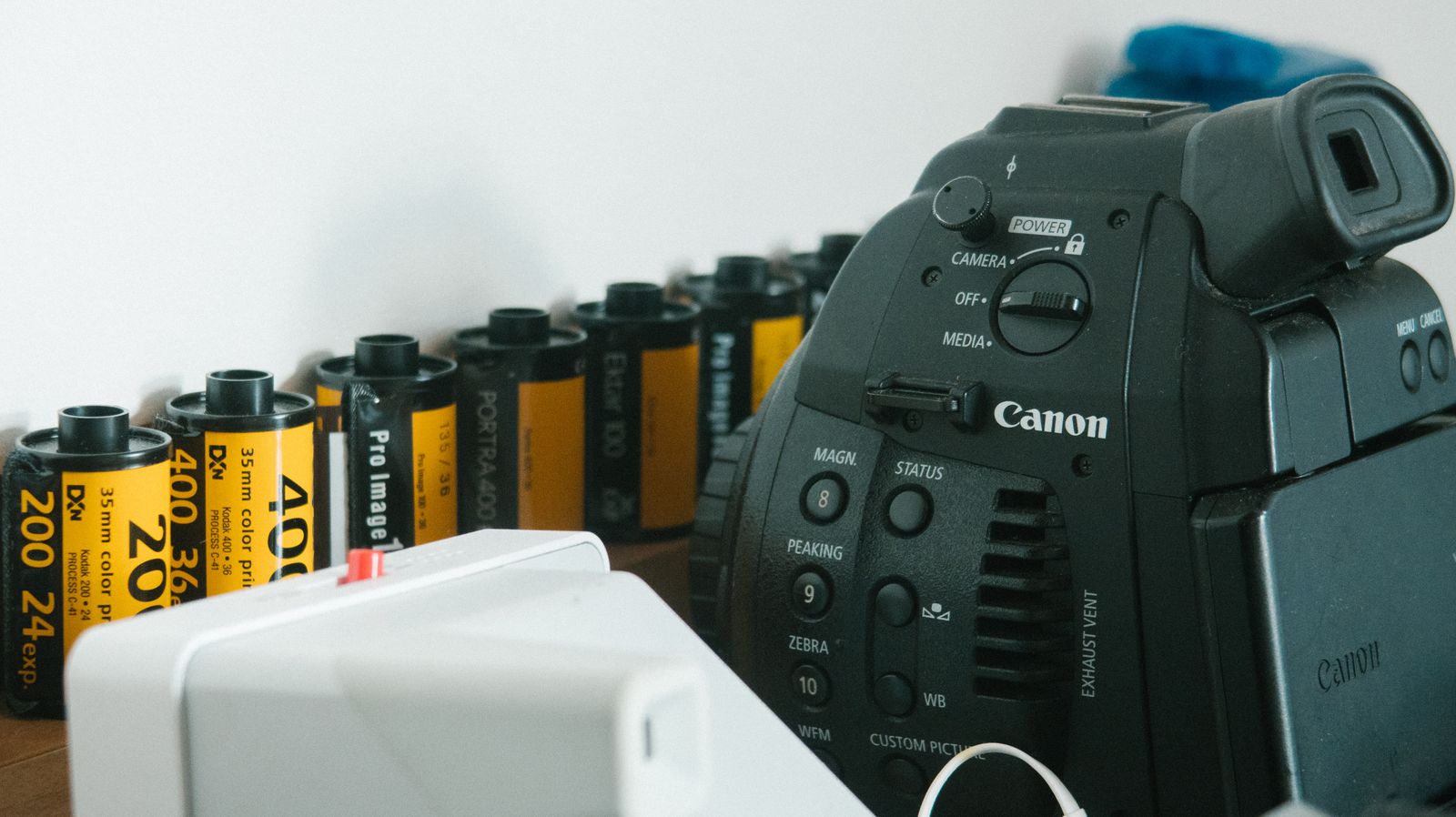
TL;DR: No — Flickr does not strip EXIF metadata from photos, and it's one of a small handful of major platforms that treats camera data as a feature rather than a liability to remove. Flickr's own EXIF data FAQ confirms it stores camera make and model, aperture, shutter speed, focal length, and date of capture exactly as recorded, and displays most of that publicly on every photo page via a "Show/Hide EXIF" toggle unless you change your account privacy settings. If a photo carries geodata, Flickr's help documentation states plainly that the location "will be embedded into the EXIF data of the original image file" — a separate set of toggles (EXIF Privacy, EXIF location importing, and Geo Preferences) governs whether that GPS tag gets plotted on your public map, not whether Flickr retains it. Hiding EXIF through Privacy & Permissions removes it from what other members see; it does not strip it from the file, and even you, logged into your own account, keep seeing it regardless of the setting. Videos are the one clean exception: Flickr's documentation states uploaded videos do not contain EXIF data at all. If you want a real fix for photos, strip the file before you upload it.
Does Flickr remove photo metadata?
Not by default, and not as a design goal. Flickr sits at the opposite end of the spectrum from Instagram, Facebook, or Twitter/X, all of which re-encode images aggressively enough on ingest that EXIF and GPS data rarely survive as a side effect of their processing pipelines. Flickr does the reverse: its EXIF data FAQ describes camera settings and date-of-capture data as something the platform actively uses to organize your content and show fellow photographers what gear and settings produced a shot. That's a feature built around keeping metadata intact, not a bug that happens to leave it there.
This puts Flickr in the same bucket as Tumblr, another platform where independent testing that uploads a photo with embedded GPS coordinates and downloads it again has repeatedly found the location data still present, in contrast to platforms whose re-encoding strips it as a byproduct. Flickr's community has always skewed toward serious photographers who want camera data visible — aperture, shutter speed, and lens information are useful context on a photography-sharing site in a way they aren't on a general social feed, which likely explains why Flickr never adopted the strip-on-upload approach that Instagram and Facebook settled on.
What EXIF data Flickr actually keeps — and shows on every photo page
Flickr's help documentation is specific about what it retains: camera type, aperture, shutter speed, focal length, and GPS location, among other fields captured by your camera or phone at the moment of exposure. Below any photo you open on flickr.com, a "Show/Hide EXIF" control reveals this block directly on the page — camera make and model, the lens used, ISO, aperture, and shutter speed, formatted for anyone browsing to read. On the Flickr mobile app, the same information sits behind the photo's Info icon. Date-of-capture metadata does double duty beyond display: Flickr uses it to sort and organize your photostream by the date a photo was actually taken rather than the date it was uploaded, which is why editing the Date Taken field (available on web, under the photo's date) matters if your camera's clock was ever wrong.
If you want the deeper technical breakdown of what a JPEG's metadata containers actually hold — the EXIF APP1 segment, GPS IFD, and related fields — our explainer on what EXIF data is covers the format Flickr is reading from and displaying.
Photos vs. videos: the one place Flickr actually strips metadata
Here's a nuance that doesn't show up on most platforms: Flickr's own EXIF FAQ states, without qualification, that uploaded videos do not contain EXIF data. That's a flat, documented exception to everything else on this page — if you're posting video rather than stills, Flickr isn't the exposure risk, because there's no EXIF block traveling with the file in the first place. This doesn't mean a video file carries zero metadata in general; container-level fields in formats like MP4 can still hold a recording timestamp or device info depending on how your camera app wrote the file. It means Flickr specifically isn't reading, storing, or displaying EXIF-style camera data for video the way it does for photos. If you're a hybrid shooter posting both formats to the same account, treat photos as the metadata-retention risk and video as the outlier that doesn't share it.
GPS location data: three settings stand between a photo and a public map pin
Flickr's geotagging system runs through three separate controls, and understanding how they interact matters more than knowing any one of them exists. According to Flickr's help page on adding photos to your map, getting an upload to automatically appear on your public map requires all three set a specific way: EXIF Privacy Settings unchecked (meaning EXIF is set to show, not hide), EXIF location importing turned on, and your Geo Preferences set to anything other than "Only you." Flip any one of those and the photo won't auto-plot.
What those settings don't do is prevent the GPS coordinates from reaching the file in the first place. Flickr's own documentation is direct about this: "If you upload a photo with geodata, that information will be embedded into the EXIF data of the original image file." The three-toggle system governs display and map placement — who can see a pin representing your location — not whether the underlying coordinate data exists inside the stored original. If you want GPS out of the equation entirely rather than just hidden from Flickr's map, Flickr's own advice is to turn off location services on the camera or device before you shoot, which lines up with what we recommend across every platform in this series; our piece on how GPS coordinates get embedded in photos in the first place covers where that data originates on the capture side.
 Photo by Sara mazin on Pexels.
Hiding EXIF only changes who sees it — not what's in the file
Flickr lets you update your privacy settings to hide EXIF data for every photo on your account, which stops other members from seeing camera and location details on your photo pages. It's worth being precise about what that toggle actually does, because Flickr's own support documentation flags the exact confusion this causes: "My settings hide my EXIF data, so why can I still see it?" The answer is that the account owner, logged in, always sees full EXIF regardless of the privacy setting — the hide only applies to how other members view your content. If you want to check what a visitor actually sees, you have to log out first; viewing your own photostream while signed in tells you nothing about what the setting is doing.
More importantly, hiding EXIF display is a visibility control, not a removal operation. The data stays embedded in the file Flickr stores. Anyone who can download your original — a permission you control separately, under account downloads settings — gets a copy with the full EXIF block intact, hidden toggle or not. Flickr's geotagging help page makes the combination explicit: if you want location data kept from other people, "hide the EXIF data & restrict who can download your originals" — treating these as two settings you need together, not one setting that solves the problem alone.
Why your downloaded photos might already be missing EXIF
If you've ever downloaded a photo from your own Flickr account and found the EXIF block empty, the cause is usually upstream of Flickr rather than something Flickr did. Flickr's FAQ specifically calls out third-party editing tools — Lightroom is the named example — that strip EXIF during export by default, meaning the metadata was already gone before the file ever reached Flickr's servers. Check your export settings if this happens unexpectedly; the gap isn't a Flickr privacy feature.
There's a related wrinkle for anyone requesting a full data export through Flickr's account settings: downloaded photos only contain the EXIF that existed at the moment of the original upload. Anything you added afterward through Flickr's own interface — a title, a description, tags — never gets written into the image file's metadata at all. Those live in a separate JSON file included with your data export, readable in a plain text editor. That's a meaningfully different model from platforms that embed post captions or credits into IPTC fields; on Flickr, the image file and Flickr's own database of what you've said about it are two separate things.
How Flickr compares to other photo-sharing and social platforms
Flickr and Tumblr are the closest cousins here — both retain camera and GPS data by default and both built features around displaying it rather than removing it, a combination that's genuinely uncommon among the platforms we've covered in this series. Reddit's image pipeline lands in the middle: it re-encodes photos aggressively enough on ingest that most EXIF gets dropped as a byproduct, even though metadata removal was never the stated design goal — bandwidth and consistency were. Instagram, Facebook, and Twitter/X sit at the strict end, with re-encoding pipelines aggressive enough that GPS rarely survives upload on any of them.
That spread matters if you're deciding where to post something you'd rather not have geotagged. A platform's general reputation for privacy doesn't map cleanly onto its metadata handling — Flickr is a trusted, long-running photo community, and it's also one of the more permissive platforms on this specific axis, because permissive is what its intended audience of photographers has generally wanted.
What stripping still doesn't hide
Two limits are worth stating plainly. First, removing metadata only affects the copy you actually clean — if the original with intact GPS data still sits in your camera roll, a cloud backup, or an earlier Flickr upload, sharing that original anywhere later exposes exactly what you thought you'd handled. Second, metadata is only the invisible layer. A photo with no GPS tag can still show a street sign, a recognizable storefront, or a landmark skyline that places the shot just as precisely as coordinates would have. Stripping the EXIF block closes the machine-readable leak; it says nothing about what's visible in the frame itself, and no amount of privacy-setting tweaking on Flickr's end changes that.
 Photo by Lisa from Pexels on Pexels.
How to remove photo metadata before uploading to Flickr
Because Flickr keeps whatever EXIF and GPS data arrives with a photo — and because its privacy toggles only govern display, not storage — the dependable fix is cleaning the file before it ever reaches your photostream. Metadata Cleaner does this entirely in your browser: drop in a photo, and it rewrites the file without its EXIF block, GPS IFD, XMP and IPTC records, and embedded thumbnail, handing you back a clean copy in about a minute. Nothing uploads to us; the processing happens locally, on your machine, which matters if the photo in question hasn't been shared anywhere yet.
Once the cleaned copy is what you actually upload, Flickr's EXIF display feature, its map plotting, and its "who can download originals" permission all become moot for that file — there's nothing left in the metadata block for any of them to surface. For the full walkthrough across desktop and phone, see our guide on how to strip EXIF data from a photo. As the EFF's ongoing work on privacy makes clear, metadata is a whole category of exposure — camera identity, timestamps, and especially location — and a platform's privacy settings are never a substitute for checking the file itself.
Flickr isn't hiding what it does here any more than Tumblr is; its help documentation says outright that it stores and displays EXIF, and that geodata gets embedded into your original file on upload. The platform simply built its defaults around photographers who want that information visible, not around stripping it. If that's not what you want for a given photo, the fix has to happen before you hit upload. Try Metadata Cleaner free and post the clean copy.