TL;DR: EXIF (Exchangeable Image File Format) is a structured block of metadata that digital cameras and smartphones write directly into image files, most commonly JPEG and HEIC. Each photo can carry the camera make and model, lens, exposure settings, the exact date and time of capture, and—if location services were on—precise GPS coordinates. This data travels with the file when you email it, back it up, or upload it, unless a platform or tool removes it first. EXIF is genuinely useful for photographers who want to study their settings, but the same fields can leak your home address or daily routine to anyone who opens the file. Reading EXIF takes seconds with a free viewer; removing it takes one pass through a metadata cleaner. The safest habit is to strip EXIF from any image before it leaves a context you control.
If you have ever wondered how a photo app knows which camera took a picture, or how a map can pin exactly where a snapshot was taken, the answer is EXIF data. It is one of the most quietly influential pieces of technology in everyday digital life, and almost nobody outside of photography knows it exists. This guide explains what EXIF is, what it stores, why it matters, and what to do about it—without assuming you know a single technical term going in.
What EXIF Data Actually Is
EXIF stands for Exchangeable Image File Format. It is a standard, first published in 1995 and maintained for decades since, that defines how a camera records information about a photograph inside the photograph's own file. Think of it as a label stitched into the lining of a jacket: invisible when you wear it, but full of details if you turn it inside out.
When you press the shutter on a phone or a dedicated camera, the device does two things. It captures the visual image you see, and it captures a second, text-based record describing the circumstances of that capture. Both get saved together in a single file. The picture is the part you look at. The EXIF block is the part you almost never look at—but software does, constantly.
This is why your photo library can sort images by date automatically, why editing apps can show the shutter speed you used, and why a photo posted online can sometimes be traced back to a physical place. None of that is magic. It is all EXIF doing its job.
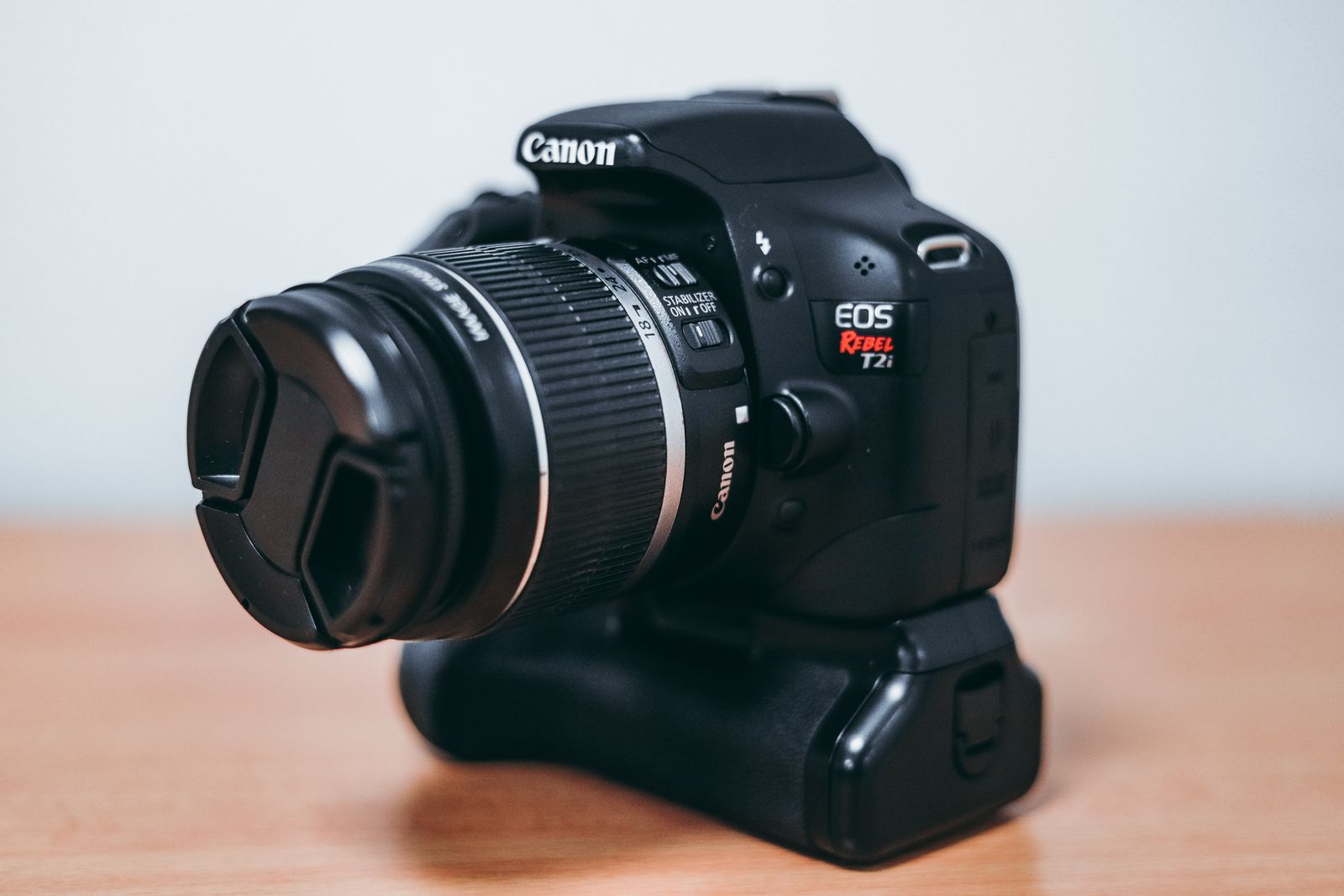 Photo by Luis Quintero on Pexels
What Information EXIF Stores
The exact contents vary by device, but most EXIF blocks fall into a few recognizable categories. Understanding them is the difference between treating EXIF as a vague worry and knowing precisely what a given photo reveals.
Camera and lens details. Nearly every photo records the make and model of the device that took it—"Apple iPhone 15 Pro" or "Canon EOS R6," for example—along with the lens, the focal length, and firmware version. On its own this is harmless, but it can help link a batch of anonymous images back to a single owner.
Exposure settings. Aperture (the f-number), shutter speed, ISO sensitivity, and whether the flash fired are all logged. This is the information photographers actually want, because it lets them learn from their own shots and reproduce a look later.
Date and time. The precise moment of capture is stamped into the file, often down to the second. Some devices also record the time zone. This timeline is what lets your gallery group "memories" and what an investigator might use to establish when something happened.
GPS location. This is the field that matters most for privacy. If location services were enabled when you took the shot, the file stores latitude and longitude accurate to a few meters—sometimes with altitude and compass direction too. A single photo can therefore point straight at your home, your workplace, or wherever you happened to be standing.
Thumbnails and edits. EXIF can include a small preview image and a history of which software touched the file. In rare but real cases, an embedded thumbnail has survived cropping and revealed the original uncropped scene.
For a deeper look at the location problem specifically, our guide on how GPS coordinates get embedded in photos breaks down exactly how the geotag is written and stored.
Why EXIF Data Exists in the First Place
It is tempting to treat EXIF as a privacy flaw, but it was never designed to spy on anyone. It was built to solve real problems for photographers and software makers, and most of those benefits are still valid.
For professionals, EXIF is a learning tool. When a shot comes out perfectly, the embedded settings let the photographer see exactly how they achieved it and repeat it. When a shot fails, the same data shows what went wrong. Before EXIF, this meant scribbling notes on the back of prints.
For everyday users, EXIF powers features you probably take for granted. Automatic date sorting, location-based albums, the "On This Day" memories your phone surfaces, and the ability to search your library for "photos from Paris" all rely on metadata quietly riding along inside each file. Strip EXIF entirely and some of that convenience disappears.
The tension, then, is not that EXIF is bad. It is that the same fields that make your photo library smart also make your photos talkative. The data does not know the difference between a private backup and a public upload—it just goes wherever the file goes.
The Privacy Problem in Plain Terms
Here is the scenario that worries security researchers. You take a photo inside your home and post it to a forum, a marketplace listing, or a comment thread. If that platform does not strip metadata, anyone who downloads the image can open its EXIF block and read the GPS coordinates—pointing them to your front door.
This is not hypothetical. People selling items online, individuals hiding from stalkers or abusers, journalists protecting sources, and parents posting pictures of their kids have all been exposed this way. The risk is highest with files shared directly: emailed attachments, cloud links, files uploaded to sites that preserve metadata, and images sent through services that do not scrub it.
The good news is that many large platforms now strip EXIF automatically on upload. The bad news is that behavior is inconsistent, undocumented, and changes without notice. Some services remove location but keep the timestamp. Some keep everything in the original you can download even after showing a stripped version publicly. You cannot reliably know which is which, which is why the only dependable approach is to remove EXIF yourself before sharing.
 Photo by George Milton on Pexels
How to Read EXIF Data Yourself
Before you can decide what to remove, it helps to see what is actually there. Reading EXIF is straightforward and requires no special skills.
On Windows, right-click any image, choose Properties, and open the Details tab. You will see camera, date, and—if present—GPS fields listed plainly. On a Mac, open the photo in Preview, then choose Tools and Show Inspector to reveal an EXIF tab with the same categories. On a phone, the photo's info panel (swipe up on the image or tap the information icon) shows the capture date and often a map if location was recorded.
For a complete view, a dedicated metadata viewer will surface every tag, including ones the operating system hides. Seeing the full list is often the moment the concept clicks—suddenly the abstract idea of "metadata" becomes a concrete list of facts about your life that you did not knowingly share.
A word of caution: we recommend only using viewers that process images locally, on your own device. Uploading sensitive photos to an unknown web service just to inspect their metadata defeats the entire purpose, since you have now handed that file—and its EXIF—to a third party.
How to Remove EXIF Data
Removing EXIF is simpler than reading it, because you do not need to understand each field—you just clear them all. There are a few reliable approaches.
The fastest method is a dedicated metadata cleaner that processes images directly in your browser or on your device, never uploading them anywhere. You drop the photo in, the tool strips every EXIF tag, and you download a clean copy. Because the work happens locally, even a geotagged photo of your home never leaves your control. For a full walkthrough across Mac, Windows, and iPhone, see our guide on how to strip EXIF data from a photo.
You can also remove some metadata manually. On Windows, the Properties dialog has a "Remove Properties and Personal Information" option. On a Mac, exporting through certain apps drops location data. On iPhone, the share sheet now includes an Options toggle to exclude location before sending. These built-in tools help, but they are partial—they often leave camera and timestamp data intact, and the steps differ by app and version.
For people who handle large numbers of images, batch tools can clean entire folders at once. Whichever route you choose, the key habit is the same: strip metadata as a final step before any photo leaves a context you control. Screenshots deserve the same treatment—as we cover in our piece on what information is hidden in a screenshot, even captured images carry their own metadata.
EXIF Beyond Photos
While EXIF is specific to image files, the broader idea—files quietly carrying hidden data—applies almost everywhere. Video files store capture metadata. Documents record author names and edit histories. Even a simple screenshot embeds the device and timestamp that created it. EXIF is simply the most studied and most exposed example because photos are the files people share most often.
Understanding EXIF, in other words, is really about understanding a habit of mind: every digital file you create may know more about you than its surface suggests. Once you internalize that, checking and cleaning metadata becomes second nature rather than a chore.
The Bottom Line
EXIF data is the hidden biography your camera writes into every photo: the device, the settings, the moment, and often the place. It exists for good reasons and quietly powers features you rely on, but it does not distinguish between a private archive and a public post. The fix is not to fear your photos—it is to build one small habit. Learn to glance at what a file reveals, and strip its metadata before you share it anywhere you would not personally hand someone your location. A few seconds of cleaning closes a gap most people never knew was open.