
TL;DR: No — VSCO does not strip photo metadata the way Instagram or X do. VSCO's own privacy policy lists "Metadata about User-Generated Content" as a data category it collects, describing it as "information about how, when, and where you created or edited your content," and separately catalogs "Geolocation Data" tied to "device data and metadata about certain content of Creators" that it gathers automatically. On the user side, VSCO's location handling is opt-in per post: a toggle on the Post to VSCO screen decides whether location gets added to the new image VSCO generates for that post, and VSCO's own FAQ states plainly that turning the toggle off "does not remove location data from your original image" — that data "will remain unless you remove it using your device or a third-party tool." Independent OSINT research published in August 2025 found VSCO doesn't sanitize uploads the way Instagram's aggressive re-encoding pipeline does, and that public VSCO uploads can still be pulled for camera make, timestamp, and GPS coordinates. VSCO's own support documentation recommends stripping metadata before import if you care about privacy — which is a tell that the app isn't doing it reliably for you. The dependable fix is cleaning the file before it reaches VSCO at all.
Does VSCO remove photo metadata?
Not by default, and not consistently. VSCO occupies an odd middle ground among the platforms we've tested in this series. It isn't openly hostile to metadata the way a platform built around anonymity might be, and it isn't aggressively stripping it on ingest the way Instagram and X do as a side effect of their compression pipelines. Instead, VSCO treats metadata as something to manage through settings rather than something to remove.
That distinction matters because "manageable" and "removed" are not the same thing. VSCO's privacy policy — effective June 22, 2026 — lists two relevant categories in its data table. The first is "Metadata about User-Generated Content," defined as "information about how, when, and where you created or edited your content." The second is "Geolocation Data," which the policy's CCPA disclosure table ties to "device data and metadata about certain content of Creators," collected automatically rather than something you actively hand over. Both entries describe exactly the fields a camera or phone embeds in a photo file: capture time, device identifiers, and coordinates. VSCO is telling you, in its own policy language, that this data exists in the files you upload and that VSCO processes it.
What the location toggle actually controls
VSCO gives you a location toggle on the Post to VSCO screen — black when on, grey when off — and its support documentation is specific about what that toggle does and doesn't do. Toggling location off "will not add [location] to the metadata of the new image or video created for your post." That's a precise claim: it governs the metadata VSCO writes into the new file it generates for your public post. It says nothing about the file already sitting in your camera roll or VSCO Studio, and VSCO's own FAQ confirms the gap directly: "Disabling location sharing in VSCO only affects whether VSCO uses or displays that data. If the original image contains location metadata, it will remain unless you remove it using your device or a third-party tool."
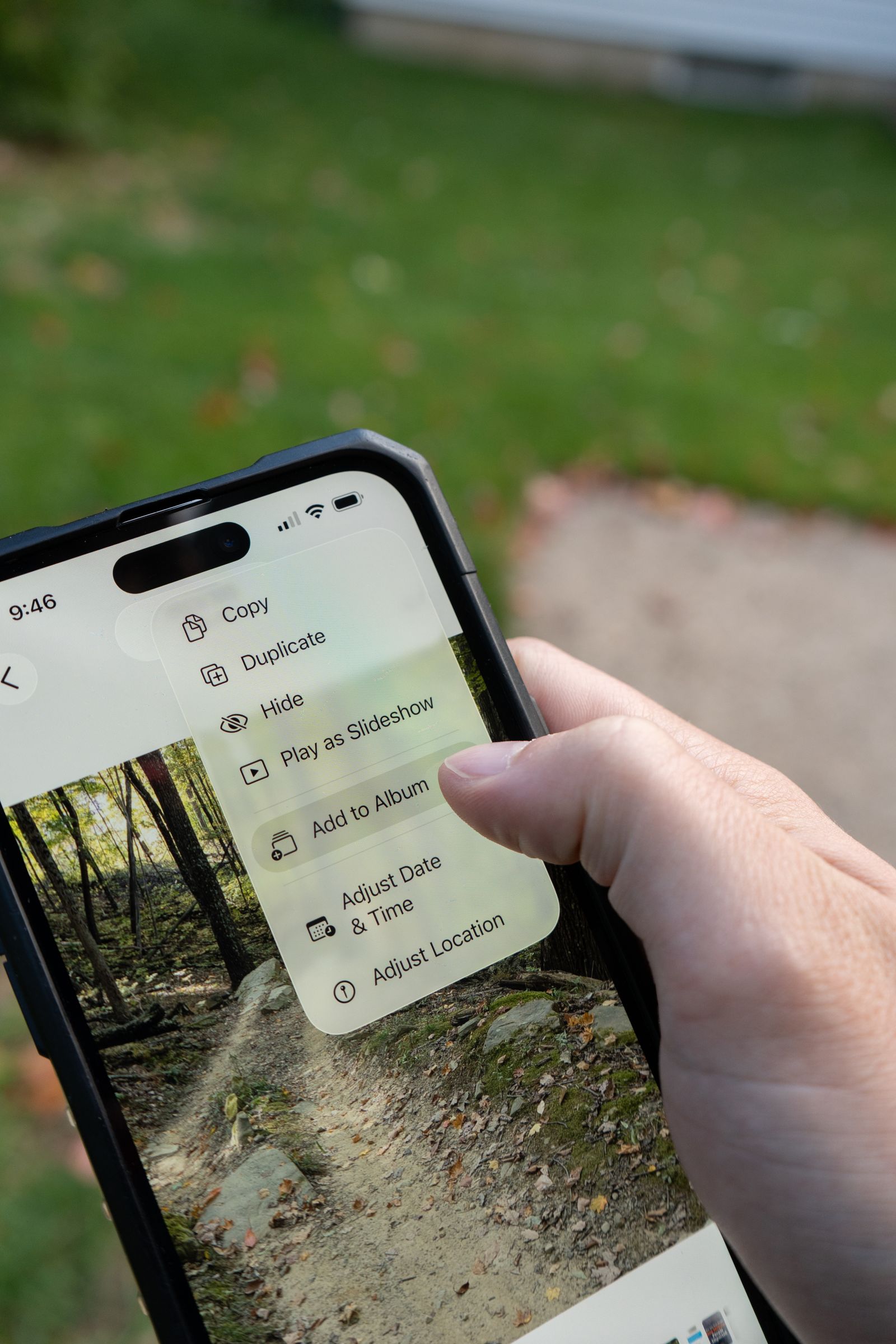 Photo by fish socks on Pexels.
There's also an asymmetry worth noting in the app-level settings under Privacy & Data. VSCO exposes five separate location switches — on media capture, to your VSCO profile, to camera roll, to email, and to other networks — which suggests location gets attached and re-attached at multiple points in the pipeline rather than stripped once and left alone. Turning all five off reduces new exposure going forward. None of them touch a file that already has GPS coordinates baked in from your phone's camera before VSCO ever saw it.
What happens to metadata when you edit and export
VSCO's editing and export pipeline behaves differently from its posting pipeline, and the difference is a source of real confusion among users. VSCO Studio's own support community has fielded repeated requests over the years asking why the "date taken" on an exported photo shows the export date rather than the original capture date — a side effect of how VSCO rewrites the file when you save an edited version back to your camera roll. That rewriting process appears to drop or overwrite some original EXIF fields in the process, which is a meaningfully different outcome from a platform's upload pipeline stripping metadata for privacy reasons. It's an artifact of how the export function reconstructs the file, not a documented, guaranteed metadata-removal feature, and VSCO has never published exactly which fields survive an edit-and-export round trip versus a straight re-upload of an unedited file.
That inconsistency is the core problem. A photo you edit and export from VSCO Studio may lose some metadata as a byproduct of the save process. A photo you upload without editing, or view through a public gallery link, may still carry its full original EXIF block — camera model, exposure settings, timestamp, and GPS if location sharing was left on. Our explainer on what EXIF data actually is breaks down the specific fields cameras and phones embed, which is useful context for understanding why "VSCO edited my photo" doesn't automatically mean "VSCO cleaned my photo."
Independent testing backs up the inconsistency
OSINT researcher Colin Crowden published an analysis in August 2025 specifically flagging VSCO as an underexamined source for metadata-based investigation work, noting that "unlike Instagram, it doesn't strip photo metadata consistently, meaning each uploaded image can retain crucial EXIF data including timestamps, geolocation, device type, and camera settings." The piece observed that VSCO's demographic — younger creators drawn to a platform without likes or follower counts — often assume the absence of social metrics means an absence of tracking risk, when in practice the deciding factor is metadata still embedded in the file, not the presence of a like button. Browser-based EXIF-inspection tools exist specifically because researchers found VSCO images a workable target; we won't link to those tools here since they're EXIF-extraction utilities rather than something a Metadata Cleaner reader needs, but the fact that they exist and get used against VSCO uploads is itself the evidence.
This lines up with what we found when we tested Flickr's handling of photo metadata and 500px's handling of the same question — both platforms cater to a serious-photographer audience that often uploads full-resolution, unedited files straight from a camera or export tool, and both retain more metadata than casual social platforms that re-encode everything aggressively on ingest. VSCO sits in that same bucket: a platform built for people who care about image quality, which means less aggressive server-side processing, which means metadata has less opportunity to be stripped as a side effect.
Why "no likes, no algorithm" doesn't mean private
Part of VSCO's appeal is its deliberate distance from Instagram-style engagement mechanics — no public like counts, no comment threads, no algorithmic feed ranking. That design choice is genuinely different from most social platforms, but it addresses a different kind of exposure than metadata does. A quiet platform without visible engagement metrics can still host a public profile with a chronological gallery, and if those images carry embedded GPS coordinates, the lack of a like button does nothing to hide where they were taken. Public VSCO galleries function the same way a public Flickr album or a public Reddit gallery does for this purpose: anyone who can view the image can, in principle, extract whatever metadata survived the upload.
 Photo by louai benzaoui on Pexels.
This is the same pattern we've flagged repeatedly in this series: how GPS coordinates get embedded in a photo in the first place has nothing to do with which platform you eventually post it to, and a platform's social design tells you nothing reliable about its metadata handling. The two are decided independently, by different teams, for different reasons.
What VSCO itself recommends
VSCO's own support documentation doesn't claim to solve this for you. Its guidance for "privacy-minded creators" tells users directly to "use your phone or a photo editing app to remove location metadata (EXIF data) from your images before importing them into VSCO," and separately warns that photos from DSLRs or other cameras "may still contain GPS metadata depending on your camera settings" and should be checked and stripped before transfer. A platform that reliably scrubbed metadata on its own wouldn't need to tell users to do that work themselves first. VSCO's documentation reads as an honest acknowledgment that the app's own handling isn't something to depend on — which matches both the testing evidence and the plain language of its own FAQ about what the location toggle does and doesn't do.
What stripping still doesn't hide
Two limits are worth stating plainly, the same way we do across this series. First, removal only ever applies to the specific file you clean. If you strip a copy before importing it to VSCO but the original — GPS intact — still lives in your camera roll or a cloud backup, sharing that original later exposes exactly what you thought you'd handled. This is the same structural point covered in our piece on what metadata scrubbing actually removes: cleaning is per-file, not a property that follows an image around once multiple copies exist.
Second, metadata is the invisible layer, not the only one. A photo with no GPS tag can still show a recognizable storefront, a street sign, a distinctive skyline, or a reflection that places the shot as precisely as coordinates would. Stripping the EXIF block closes the machine-readable leak nobody thinks to check. It does nothing about what's visible in the frame itself.
How to remove photo metadata before posting on VSCO
Since VSCO's own documentation tells you to do this yourself, and since the location toggle only governs the new file VSCO generates for a post rather than your source file, the dependable sequence is cleaning the file before it ever reaches VSCO Studio. Metadata Cleaner does this entirely in your browser: drop in a photo or video, and it rewrites the file without its EXIF block, GPS IFD, XMP and IPTC records and embedded thumbnail, handing you back a clean copy in about a minute. Because it works on video and audio as well as still images, it closes the same gap whether you're importing a single edited photo or a batch straight off a camera. Nothing uploads to us — the processing happens locally, on your machine.
Once you've imported the cleaned copy, it stops mattering whether VSCO's export pipeline rewrites the date taken, whether the location toggle is on or off for a given post, or whether a public gallery link gets pulled through a browser EXIF tool later — there's nothing left in the file for any of that to expose. For the full cross-platform walkthrough, see our guide on how to strip EXIF data from a photo. As the EFF's ongoing work on privacy makes clear, metadata is a category of exposure that exists independently of how a platform designs its social features, and no amount of trusting an editing app's export pipeline substitutes for checking the file yourself.
VSCO isn't hiding what it collects — its privacy policy names metadata about your content and geolocation data as things it processes, and its support team tells privacy-minded users to strip files before import rather than promising to do it for them. The gap between VSCO's quiet, metrics-free design and its actual metadata handling is exactly the kind of mismatch worth knowing about before you post. Strip the file first, and none of that gap is left to worry about. Try Metadata Cleaner free and import the clean copy.