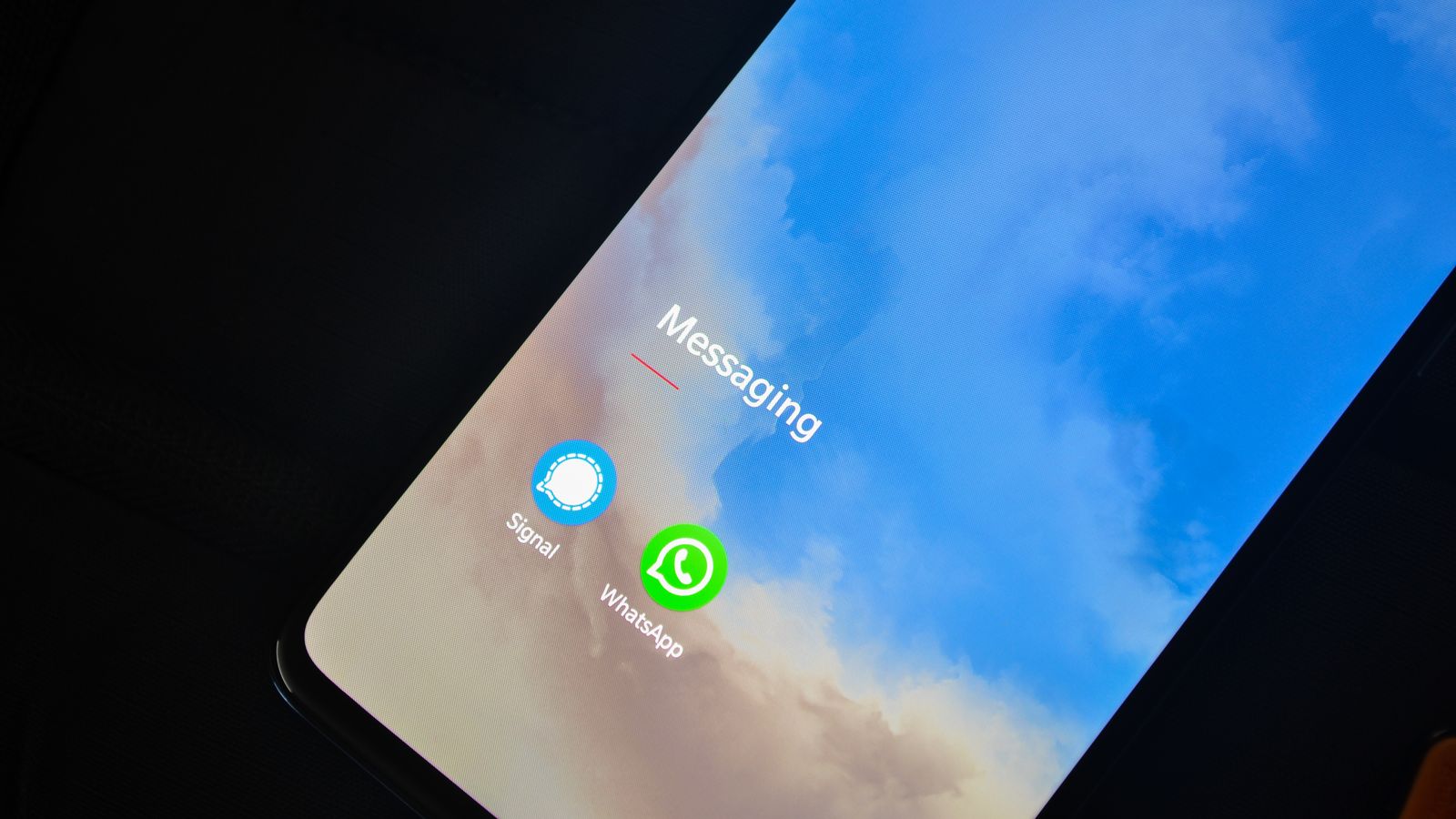
TL;DR: Yes — Signal is the rare messenger that strips EXIF metadata from photos by default. Attach an image the normal way, through the photo picker, and Signal re-encodes it before sending, dropping the EXIF block that holds your camera Make and Model, the DateTimeOriginal timestamp, and the GPS IFD with your latitude and longitude. Signal also does not keep the original on its servers, which puts it ahead of WhatsApp, Instagram and Telegram on this one measure. But there is a catch: attach the same photo with "Send as File," or as a document, and Signal preserves the original byte-for-byte — GPS and all. Videos sent as files keep their metadata too, encryption does nothing to the data inside a file, and stripping EXIF is not the same as hiding a face or a street sign. The dependable fix is to clean the file yourself before Signal ever sees it.
Does Signal remove photo metadata?
Yes, and it is worth saying plainly because Signal is the exception, not the rule. When you attach a photo the normal way — tap the attachment button, pick an image from your gallery, and send it — Signal re-encodes the image and strips its EXIF metadata as part of that process. The camera make and model, the capture timestamp, the exposure fields, and the GPS coordinates your phone quietly attached are all gone by the time the file reaches your recipient. Signal's own team has confirmed this behavior publicly: EXIF data is removed automatically on the standard photo path.
This puts Signal in a different category from the messengers we have looked at before. Telegram removes metadata only on its compressed "photo" path and preserves it whenever you use file mode, and even the apps that do strip usually keep the untouched original sitting on a server somewhere. Signal both strips the file and declines to retain the original, which is consistent with the rest of how the app is built. If the field names in that first paragraph are unfamiliar, our primer on what EXIF data actually is walks through everything a camera writes into a frame before you ever hit send.
What Signal strips — and why it goes further than most apps
The mechanism is the same incidental-cleanup pattern that helps you on other platforms, but Signal leans into it deliberately rather than by accident. When you hand Signal an image through the photo picker, it decodes the pixels and writes a fresh file for delivery. That new file does not carry the original APP1 segment — the block that begins with the bytes Exif\0\0 and holds the entire EXIF payload, including the nested GPS IFD. Because the coordinates live inside that segment, they leave with it. This is the same rewrite-from-pixels move that quietly cleans photos on Instagram's mandatory upload pass, except Signal treats it as a privacy feature rather than a side effect of compression.
The part that sets Signal apart is what happens to the original. Most platforms that strip metadata on the copy your followers see still ingest and store the full-fat original server-side; the cleaning is cosmetic, applied to the version they redistribute. Signal is built so that it cannot read your messages and does not warehouse your media, so there is no pristine original waiting in a datacenter with your GPS tag intact. Compared with how WhatsApp handles photo metadata, Signal's approach is stricter on both ends of the pipe. It is a genuinely good default — and precisely because it is good, it is easy to over-trust, which is where the exceptions start to matter.
 Photo by RDNE Stock project on Pexels.
The one exception: "Send as File" keeps everything
Here is the trap. Signal only strips EXIF when you send an image as a photo, through the picker. Attach the same image using "Send as File," or send it as a document, and Signal transmits the original unchanged — every EXIF tag, the XMP packet, the embedded thumbnail and the GPS coordinates all ride through intact. The file path exists for a reason: sometimes you genuinely need the original quality, the original format, or the original metadata, and Signal honors that request rather than second-guessing it. But the same feature that respects a deliberate choice will faithfully broadcast your home coordinates when the choice was accidental.
To Signal's credit, its interface separates "Photo" from "File" more clearly than most apps do, so the two paths are at least visibly distinct. What it does not do — what none of these apps do — is warn you that one path protects your location and the other does not. The privacy consequence of that one tap is left entirely to you to know. It is the same sharp edge we flagged on Telegram's file-mode sends and on Discord, which also strips only on some paths: the safe default is real, but it is one menu choice away from the unsafe one, with nothing to catch you if you pick wrong. And because the GPS tag is the stubbornest field of the set, surviving more handling paths than any other, it is the one most likely to slip through — our explainer on how GPS coordinates get embedded in photos covers why.
What about videos and voice notes?
Signal's automatic EXIF stripping is documented and reliable for the standard photo path, but it is not a blanket promise that covers every media type on every path. A video is the clearest gap. Send a clip as a file and Signal, like any messenger, stores the original container — which means the recording timestamp, the device make and model, and the GPS coordinates baked in by your camera app can survive if location services were on when you filmed. A phone video is often more revealing than a still, because it records the same place across a longer stretch of time. We break down exactly what a phone writes into a clip in what metadata iPhones add to videos.
The safe way to think about it is that "Signal cleans it" is a statement about one specific path — a still image, sent through the photo picker — and not a property of everything you drop into a chat. The further you get from that exact path, the more the guarantee thins out. That is not a knock on Signal; it is just the difference between a feature scoped to a common case and a habit you can lean on for anything. If you want the metadata gone regardless of media type or send mode, the file has to be clean before it arrives, not cleaned on the way through.
Encryption isn't the same as metadata removal
It is tempting to assume Signal's famous end-to-end encryption already covers all of this, and it does not. Encryption protects a file from outsiders while it moves — it scrambles the delivery so that not even Signal can read what you sent. It does nothing to the metadata inside the file. If you send a photo as a file through an encrypted Signal chat, your recipient decrypts it, opens it, and finds the EXIF block sitting right there, GPS and all, because encryption secured the envelope and left the letter untouched. The coordinates were written by your camera long before Signal touched the file, and end-to-end encryption faithfully delivers them to the other end.
This is the misconception that trips people up on every "private" messenger, and it is worth internalizing because Signal's strong reputation makes it especially easy to assume the app is handling everything. A locked envelope does not blank the letter inside it. If the goal is that your recipient — or anyone who later obtains the file from them — cannot read where a photo was taken, the metadata has to be removed from the file itself. The EFF's work on privacy makes the broader point well: metadata is a category — location, timestamps, device identifiers, software fingerprints — and securing the transport layer leaves that entire category in place.
 Photo by I'm Zion on Pexels.
What stripping still doesn't hide
Even when Signal's photo path does drop your EXIF cleanly, two limits are worth stating plainly. The first is that the clean version is only the copy you sent through that path. If you also attached the original as a file, or emailed it, or backed it up somewhere with metadata intact, Signal's clean copy does nothing for those. Stripping is per-file and per-copy; it is not a property that follows a photo around once it exists in more than one place. We pull that distinction apart in what metadata scrubbing actually removes.
The second limit is that metadata is not the only thing a photo reveals. A stripped image with no GPS tag can still show a street sign, a house number, a reflection in a window, or a recognizable skyline that places it just as precisely as any coordinate. Signal actually helps here with a built-in tool that blurs faces and lets you draw over sensitive areas before you send — but that is a separate discipline from clearing EXIF, aimed at the pixels rather than the hidden fields. Removing the GPS IFD while the capture time and a device serial number survive is not anonymity either. The through-line of the whole question is this: Signal's default protection is real and better than its rivals', but it is scoped — wrong send mode, wrong media type, an uncleaned second copy, or a revealing detail in the frame, and the protection has a hole in it.
How to remove photo metadata before sending on Signal
The dependable fix is to clean the file on your own machine, before it ever reaches Signal, so none of the exceptions can bite. Metadata Cleaner does this in the browser: drop in a photo or a video, and it rewrites the file without its EXIF block, GPS IFD, XMP and IPTC records and embedded thumbnail, then hands you back a clean copy. Because it handles video and audio as well as images, it closes the exact gaps Signal's photo-only stripping leaves open — the clip sent as a file, the voice note, the image you attached as a document. The processing happens locally and the file is never uploaded to us.
Once you have the stripped copy, send that instead of the original, and it stops mattering whether you tap the photo picker or "Send as File" — there is nothing left to expose either way. If you want the longer walkthrough across desktop and phone, our guide on how to strip EXIF data from a photo covers the platform-by-platform steps, and Signal's own site is the right place to understand what its encryption does and does not promise. The reliable move, on Signal as anywhere, is never to depend on the app to do this for you.
Signal removes photo metadata on the path most people use most of the time, and it does so more thoroughly than any of its major competitors — no stored original, no compression-as-afterthought. That earns it real trust. But trust scoped to one path is not the same as protection you can lean on for every file, and the app that strips your EXIF today makes no promise about the video you send as a document tomorrow. Strip the file yourself and the question stops mattering. Try Metadata Cleaner free and send the clean copy.