
TL;DR: When you upload a photo to X (formerly Twitter), the platform re-encodes the image and discards the bulk of its EXIF metadata — GPS coordinates, camera model, exposure settings, and timestamps are not preserved in the version other users can download. This stripping happens server-side during transcoding, not on your device, which means the original file with full metadata still travels from your phone to X's servers before anything is removed. X is not a privacy tool, and relying on its stripping behavior leaves a gap: the company itself receives your untouched file, third-party clients may behave differently, and a misconfigured upload path can occasionally leak data. The reliable fix is to remove metadata locally before you ever hit "Post."
If you have ever wondered whether the selfie you tweeted last week is quietly broadcasting the GPS coordinates of your apartment, you are asking exactly the right question. Social platforms make different choices about what they keep and what they throw away, and those choices are rarely documented in plain language. We get asked about X constantly, so let us walk through what actually happens to a photo's hidden data the moment it lands on the platform — and where the real risk sits.
What X Does to Your Photo on Upload
Every image you post to X passes through a transcoding pipeline. The platform takes your original file, re-compresses it into its own standardized JPEG (or WebP) format, generates the various display sizes it needs for timelines and previews, and serves those versions to everyone else. That re-encoding step is the key to understanding metadata behavior. When an image is rebuilt from its pixel data into a fresh file, the EXIF block attached to the original is not carried over by default. It simply does not make the trip.
The practical result is that the photo other people can right-click and save from your post is stripped of the metadata that matters most for privacy. The GPS latitude and longitude that your phone embeds, the camera or phone model, the lens and exposure data, the original capture timestamp, and any software tags are gone from the downloadable copy. We have tested this repeatedly by uploading geotagged images and then pulling them back down to inspect them, and the location fields come back empty.
This is consistent with how most large platforms handle uploads, and it is genuinely good news for casual privacy. It also explains why a journalist or investigator cannot usually geolocate someone purely from a photo they grabbed off a public X timeline. The data they would need was discarded before they ever saw the file.
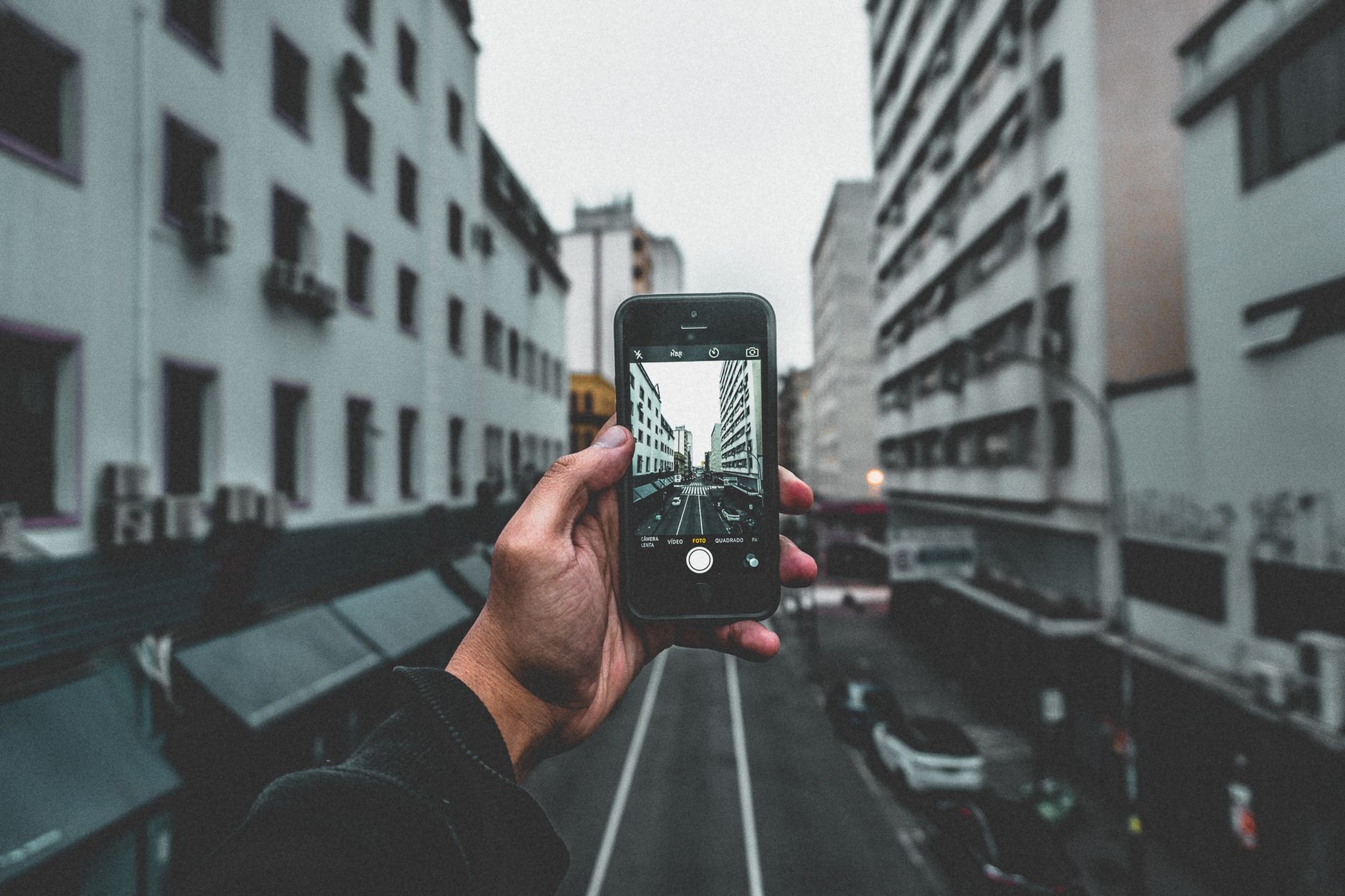
 Your phone writes GPS and camera data into a photo the instant it is taken. Photo by Solen Feyissa on Pexels.
What Survives — and Why "Stripped" Doesn't Mean "Private"
Here is the part that trips people up. The fact that the public download is clean does not mean your data never existed or never left your control. There are several gaps worth understanding clearly.
The original file reaches X with everything intact. Stripping happens on X's servers, after your upload completes. That means the company receives the full-resolution image carrying its complete EXIF block, including precise GPS coordinates, before any of it is removed. X's own privacy policy describes how it collects and uses the information you provide, and an uploaded photo is information you provide. If your threat model includes the platform itself, or a future change to how it retains uploads, server-side stripping does nothing for you. You can review the specifics in X's privacy policy.
Stripping behavior is not a contractual guarantee. Platforms change their pipelines without notice. A feature that preserves higher-quality "original" downloads, a new media format, or a regional difference in processing could all change what survives. We have seen platforms quietly adjust this over the years, which is why we never treat any social network's stripping as a permanent privacy feature. It is a side effect of transcoding, not a promise.
Third-party clients and direct messages can differ. The behavior we described applies to images uploaded through the main posting flow and served on the public timeline. Files sent through other paths, embedded by third-party tools, or handled by alternative clients may not be processed identically. The Electronic Frontier Foundation has long warned that assuming a platform scrubs your data for you is a fragile strategy; their guidance on protecting yourself on social networks is a useful reminder that responsibility ultimately sits with the person posting.
Filenames and visible content still leak. Metadata is only one channel. If your photo's filename is IMG_home_address.jpg, or the image itself shows a street sign, a reflection, or a recognizable landmark, no amount of EXIF stripping protects you. Metadata removal is necessary, not sufficient.
A Quick Test You Can Run Yourself
You do not have to take our word for any of this. Take a photo you know is geotagged — most phone cameras geotag by default — and check it in a metadata viewer before uploading. Note the GPS coordinates. Post it to X, then download that same image back from your own timeline and check it again. You will almost certainly find the location fields empty in the downloaded copy.
Now flip the experiment around. The version that left your device and traveled to X still had everything. That is the file the platform actually received. The clean copy you downloaded is what the rest of the world sees, but it is not what the server got. Holding both of those facts at once is the whole point: the public is protected, the platform is not blocked, and only you can close that gap by cleaning the file first.
How to Remove Photo Metadata Before Posting to X
The reliable approach is to strip metadata on your own device before the upload ever happens. That way the file that travels to X is already clean, and you are not depending on the platform's pipeline to protect you.
Start by stripping EXIF data from the photo locally. On a desktop, this can be as simple as running the image through a metadata cleaner; on mobile, you can use a share-sheet tool or a dedicated app. The goal is a file with no GPS block, no camera identifiers, and no embedded timestamp. Our walkthrough on how to strip EXIF data from a photo covers the exact steps for Mac, Windows, and iPhone.
Next, verify the cleaned file. Open it in any metadata viewer and confirm the location and camera fields are genuinely empty rather than merely hidden. This thirty-second check catches the surprisingly common case where a tool removes some tags but leaves GPS intact.
Then upload the cleaned photo to X as you normally would. Because the file is already scrubbed, it no longer matters what the platform does or does not strip — there is nothing sensitive left to remove. If you regularly share images and want a repeatable habit, our guide on how to send photos without sharing your location lays out a workflow you can apply across every app, not just X.
 Cleaning a photo before it leaves your device is the only approach that does not depend on a platform's choices. Photo by Kaique Rocha on Pexels.
How X Compares to Other Platforms
X's behavior is fairly typical, but the platforms are not identical, and the differences matter when you post the same photo to several at once. We have looked closely at how the major networks handle this, and the short version is that most strip EXIF from public downloads while still receiving your original file.
If you cross-post, it is worth knowing the specifics for each destination. Our analysis of what metadata Facebook keeps when you upload a photo shows a similar transcoding pattern with its own quirks, and our deep dive into whether Instagram actually removes EXIF data confirms that the public copy is stripped while the platform still ingests the full original. Video platforms add another layer entirely, which is why we examined how YouTube handles uploaded video metadata separately. Across all of them, the lesson repeats: the network protects other users from your metadata far better than it protects you from the network.
What This Means for You
If your only concern is that a random stranger could pull GPS coordinates out of a photo on your public X timeline, the platform's stripping already handles that for the downloadable copy, and you can post with reasonable confidence. That covers a large share of everyday situations.
But if you are a journalist, an activist, a creator protecting a home address, someone leaving an unsafe situation, or anyone whose location genuinely needs to stay private, server-side stripping is not enough on its own. The original file still reaches the company, behavior can change, and alternate upload paths can behave differently. In those cases, the only durable answer is to remove metadata before you post, every time, so the sensitive data never leaves your device in the first place.
That is the principle we keep coming back to. A platform's metadata handling is a convenience, not a safeguard. Treat it as a backstop you are glad exists but never rely on, and do the cleaning yourself. Once that becomes a habit, the question of what any given platform does or does not strip stops being something you have to worry about — because by the time your photo gets there, there is nothing left to find.